
3D Printing Tips
59 tips to optimize your 3D printing
The first layer is the foundation of success
Properly configuring the first layer is key to successful printing.
3D Printing Safety
Essential safety rules for 3D printer operation.
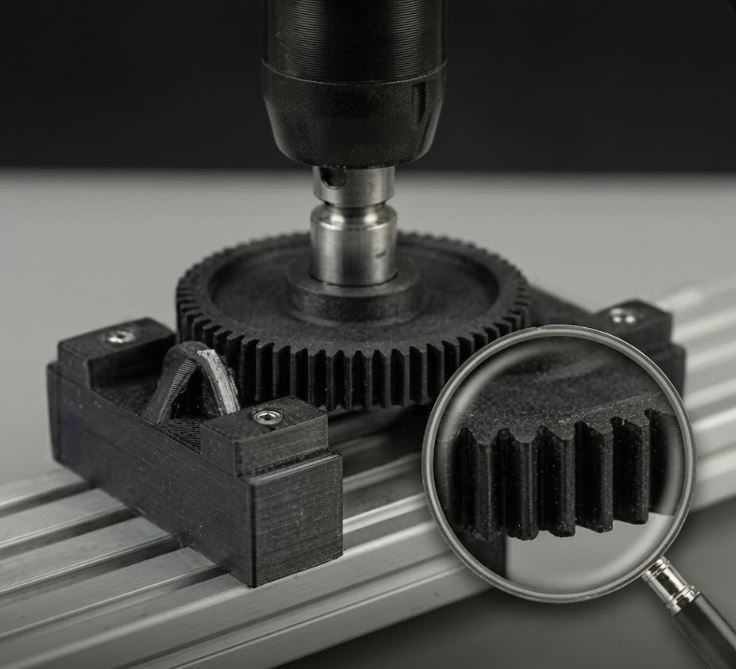
Nylon – High-Performance Technical Material
Nylon offers exceptional toughness and durability. Printing requires experience.
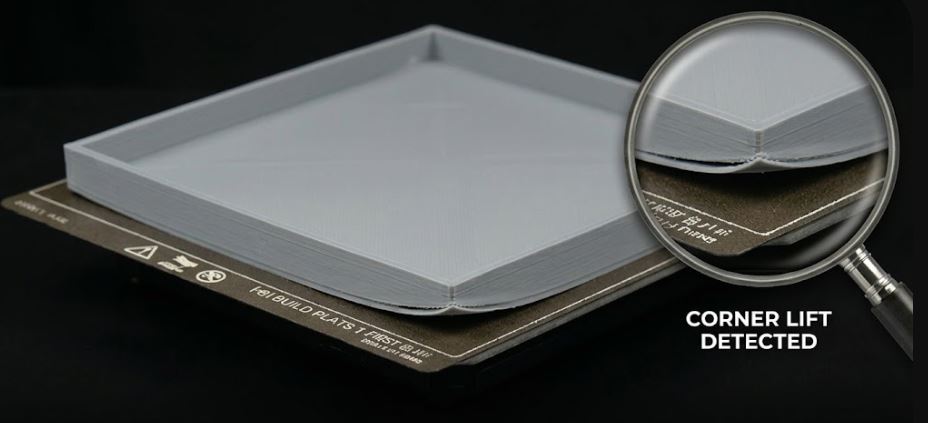
Warping – How to Prevent Print Deformation
Model separates and warps? Try these proven methods.
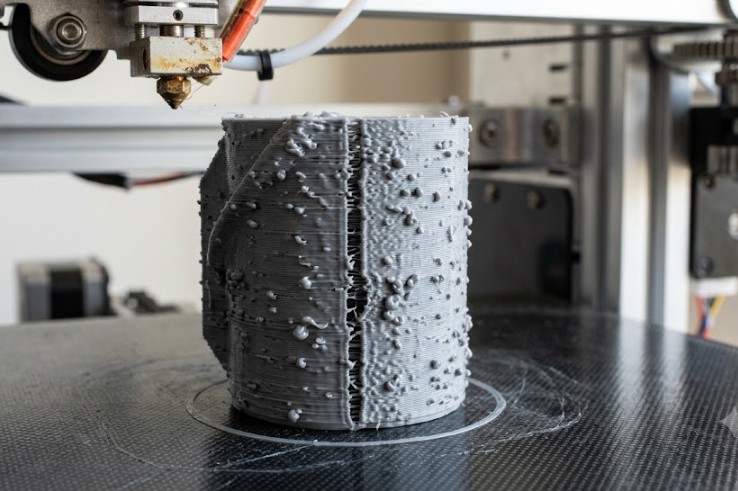
Blobs, Zits and Open Seams on Surface
Small lumps and open spots have specific causes and quick fixes.
Macros in Klipper – Print Automation
Automate routine tasks with Klipper macros and G-code scripts.
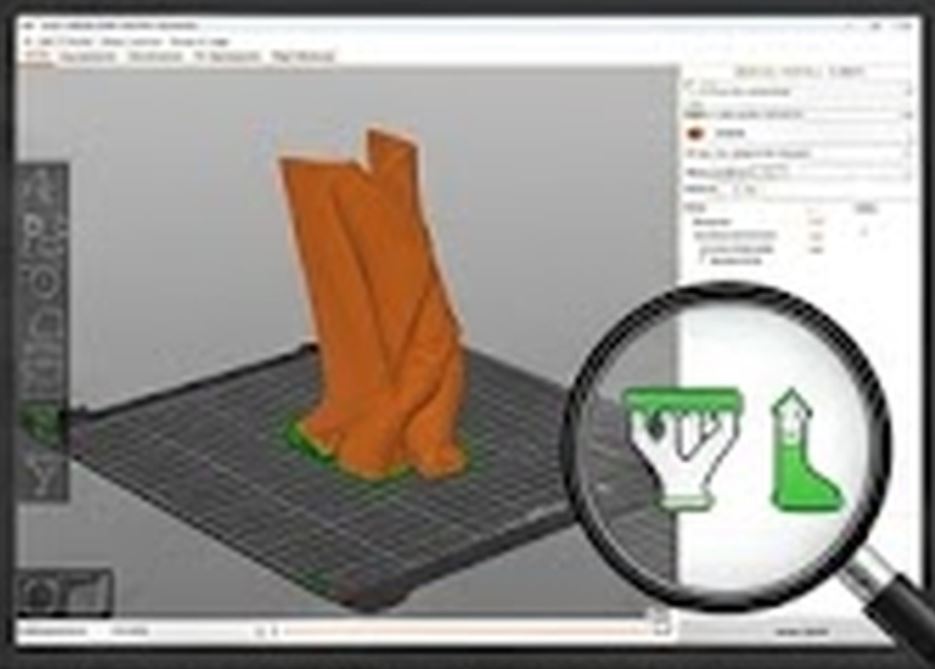
How to Orient Your Model Before Printing
Proper model orientation saves material, time, and improves strength.
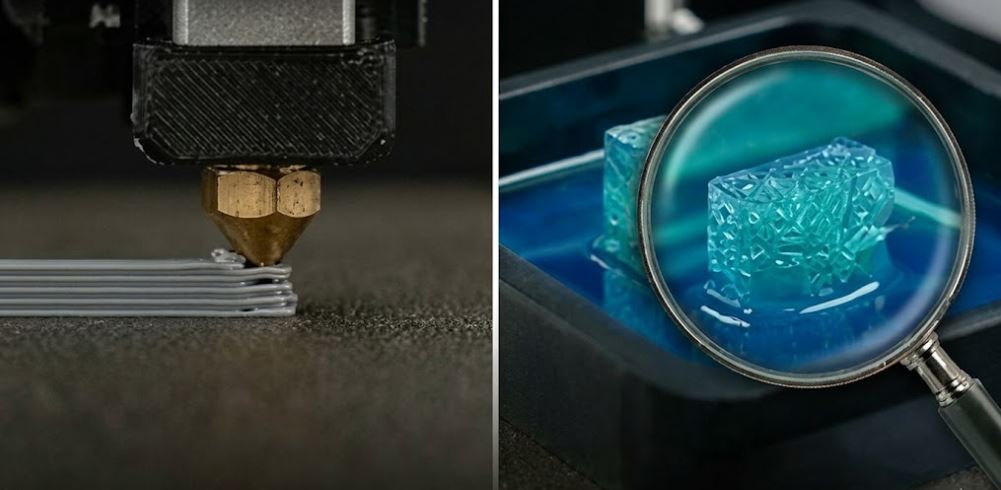
Resin Printing (MSLA/SLA) – Principles and Differences from FDM
Resin printers offer amazing detail. How do they work and when to use them?

Choosing the Right Slicer
PrusaSlicer, Cura or Bambu Studio? We'll help you choose.
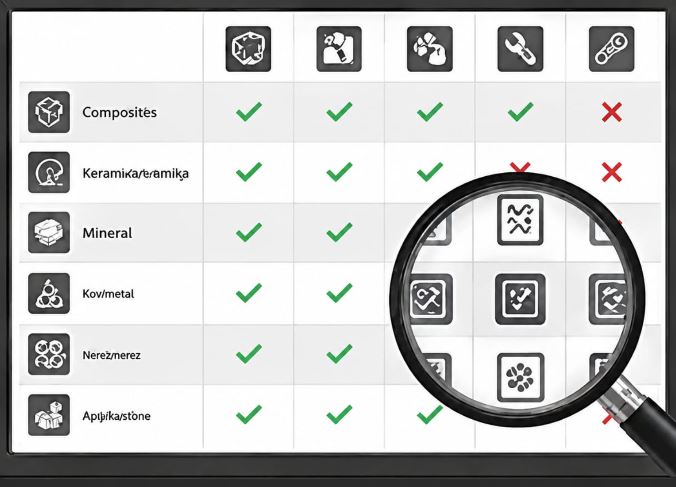
Quick Material Selection by Use Case
The most common beginner mistake is printing everything from PLA.
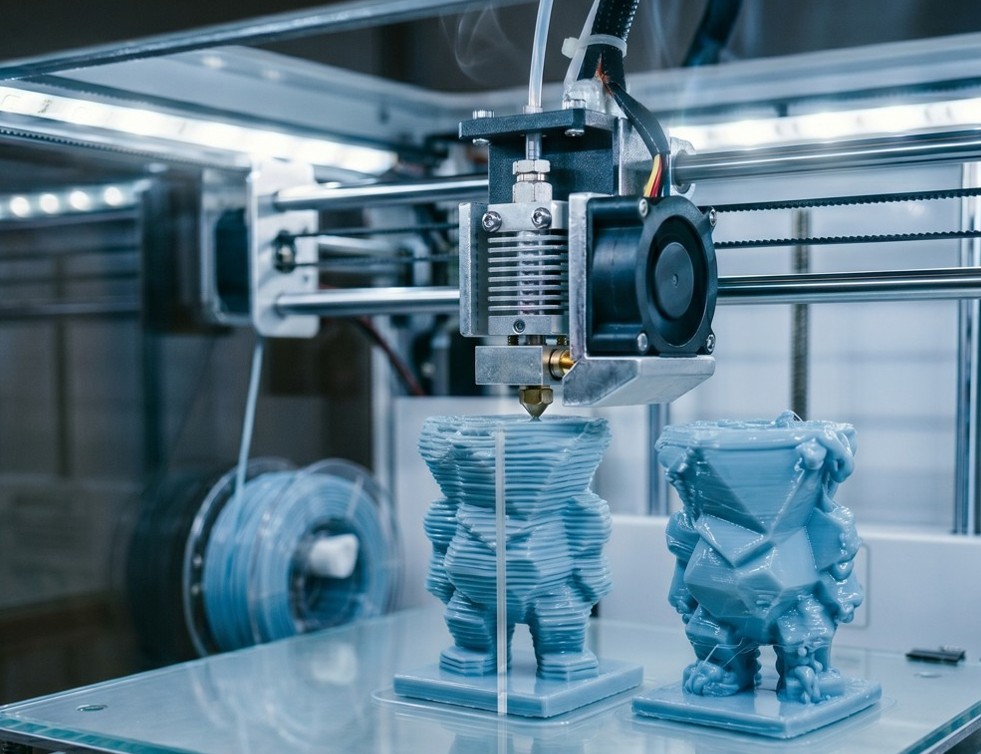
Under and Over Extrusion – How to Recognize and Fix
Too little or too much material – visual diagnostics and settings.
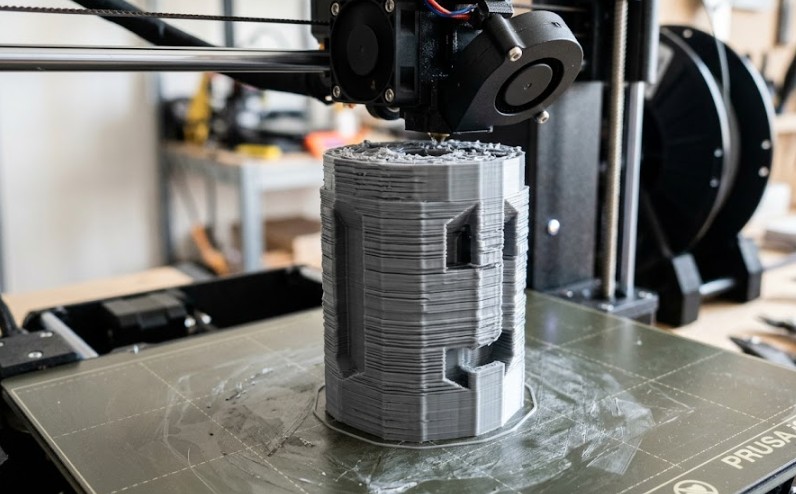
Z-Banding – Horizontal Surface Lines
Repeating striped pattern has specific causes and solutions.
First 10 Prints: A Plan for Beginners
Clear path from first model to functional part without unnecessary frustration.
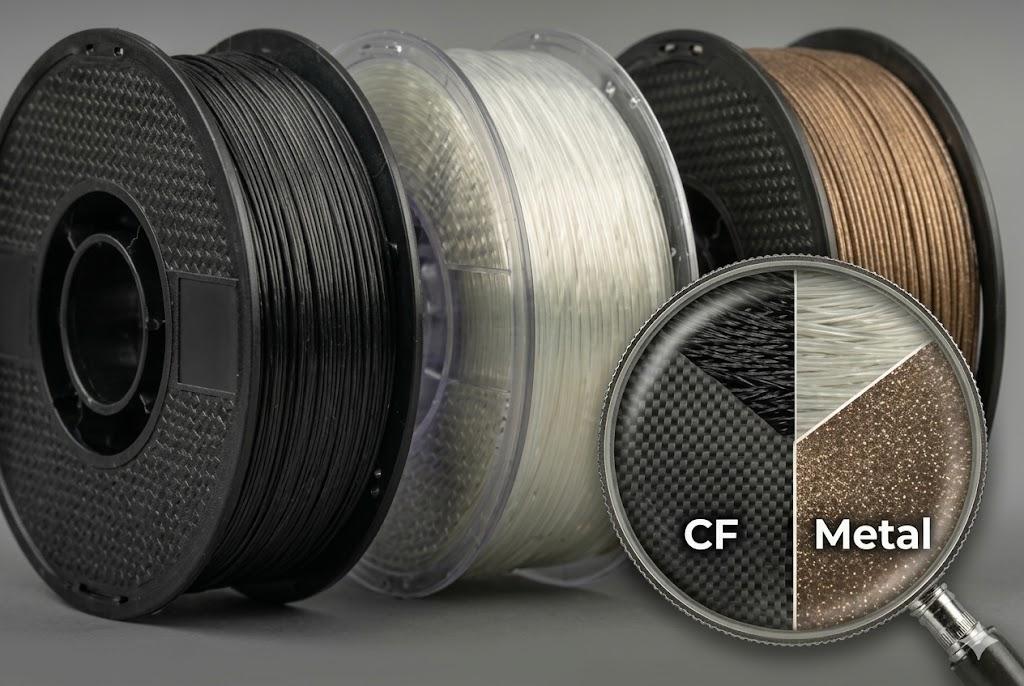
Composite Filaments – CF, GF and Metal-Filled
Carbon and glass filaments for maximum strength and unique look.
When to Stop Tweaking and Reset
After three failed attempts, reset to a proven baseline.
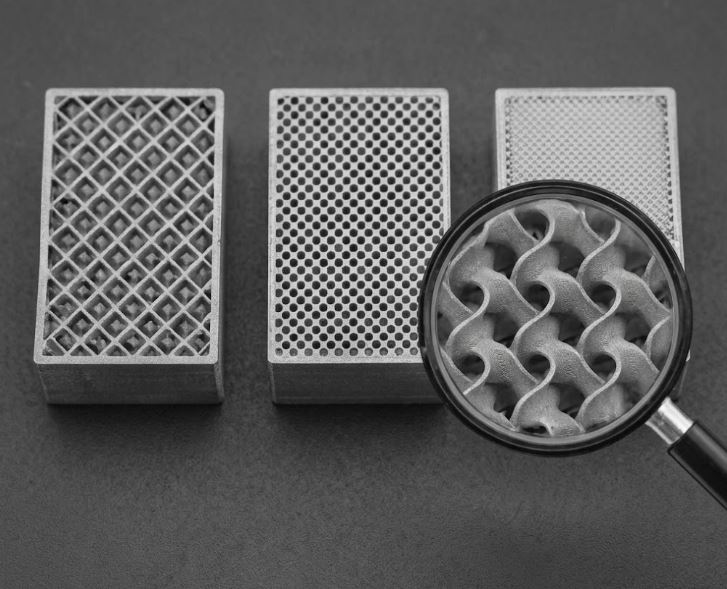
Infill – How and How Much
Infill affects strength, weight, and material consumption.
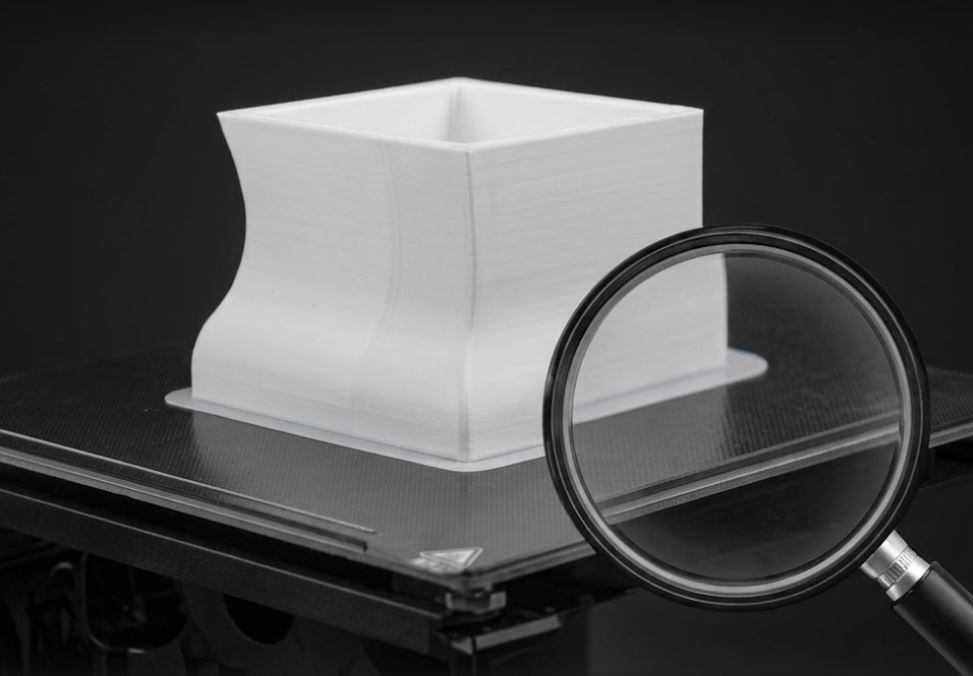
Bed Adhesion – How to Improve It
Model lifting? Try these proven methods.
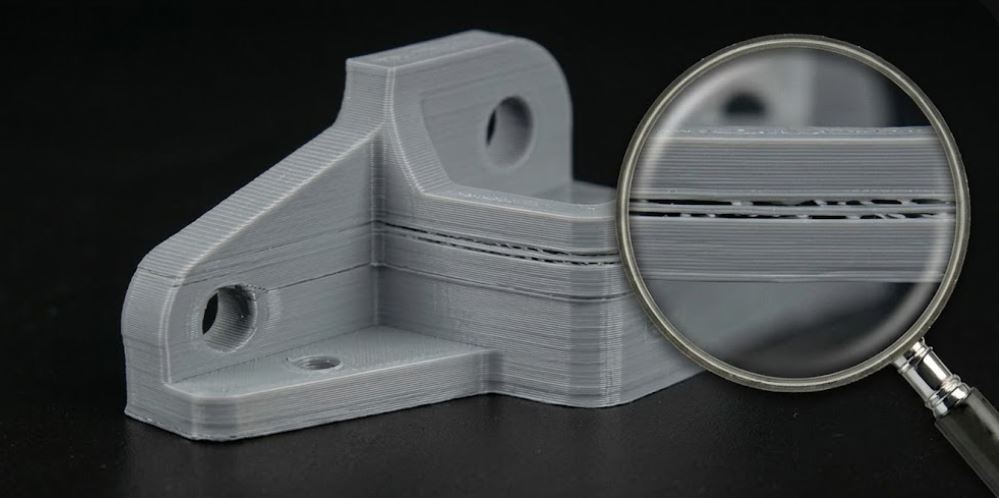
Delamination and Poor Layer Adhesion
Why layers separate and how to fix it.
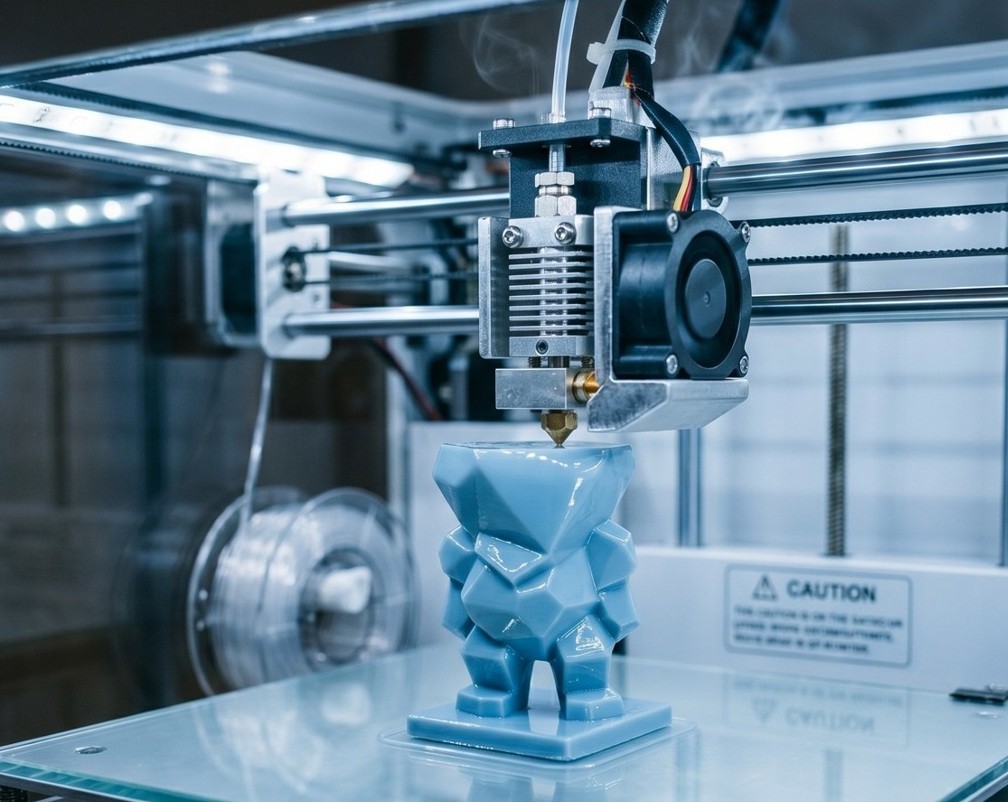
Print Surface – How to Achieve Smooth Results
Top, bottom, and perimeters – key settings for perfect surface.
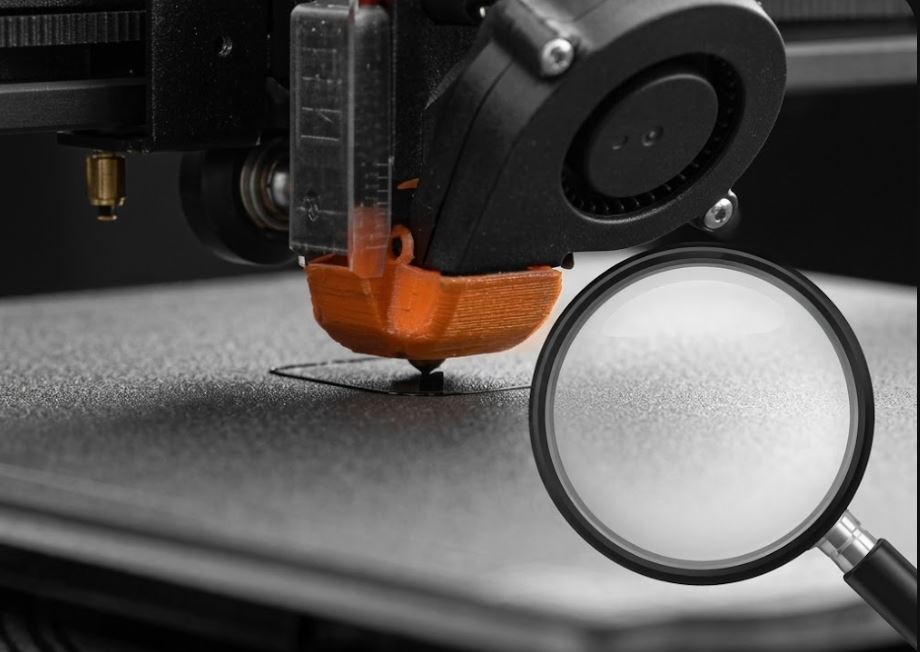
How to Start Your First Print Job Correctly
A step-by-step guide to your first successful print.
Layer Height and Print Quality
The thinner the layer, the smoother the surface—but be careful of trade-offs.
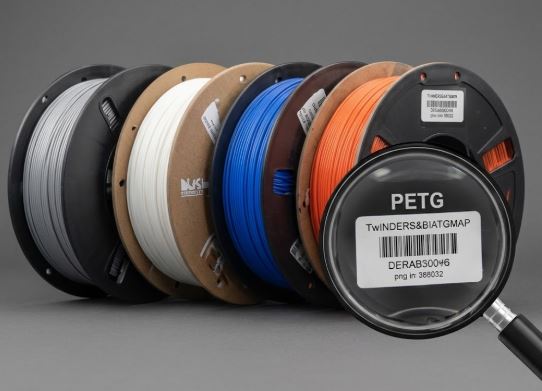
How to Choose Quality Filament
Cheap filament can ruin prints and printers. What to look for?
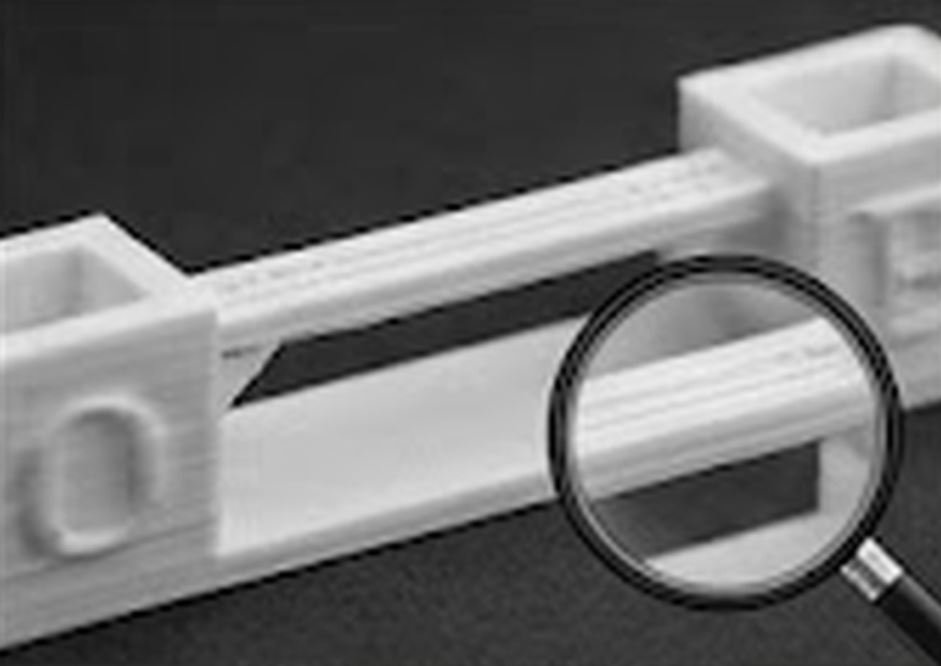
Bridging – Printing Across Gaps Without Supports
Configure your printer to print horizontal bridges without support structures.
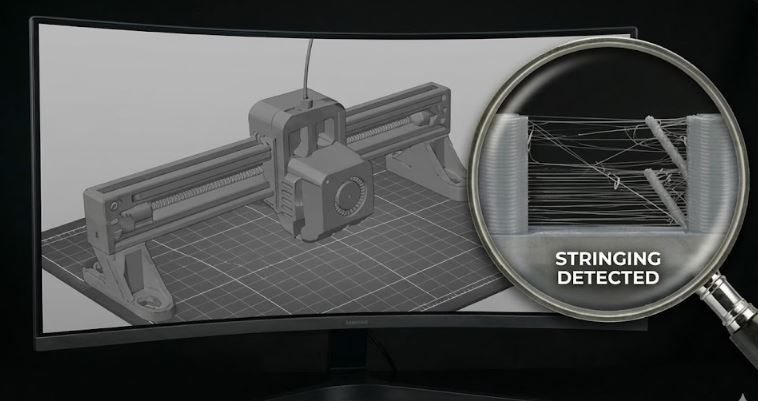
Retraction and Stringing
How to get rid of unwanted threads between print parts.
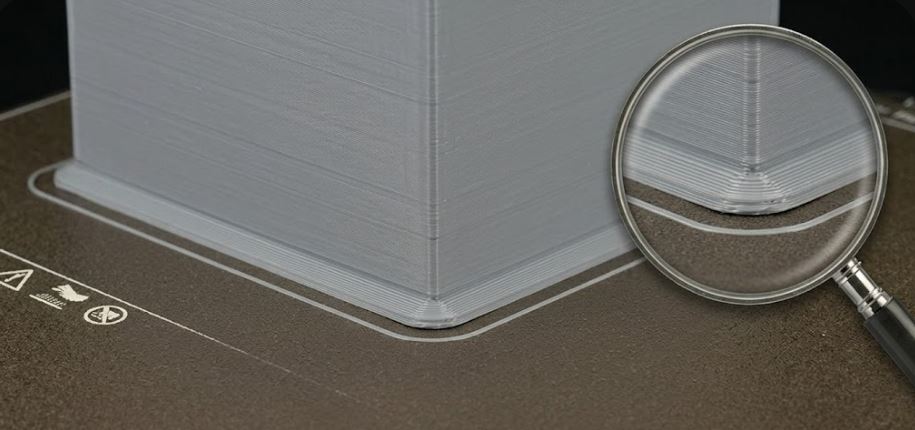
Elephant Foot and First Layer
First layer expansion causes inaccuracy. How to eliminate it.
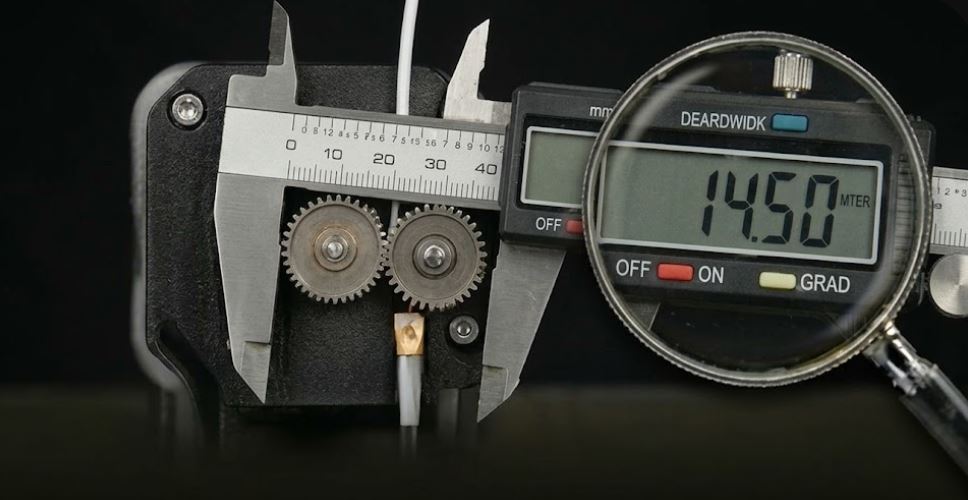
Extruder Calibration (E-steps)
Precise extrusion is the basis of quality prints. Set e-steps correctly.
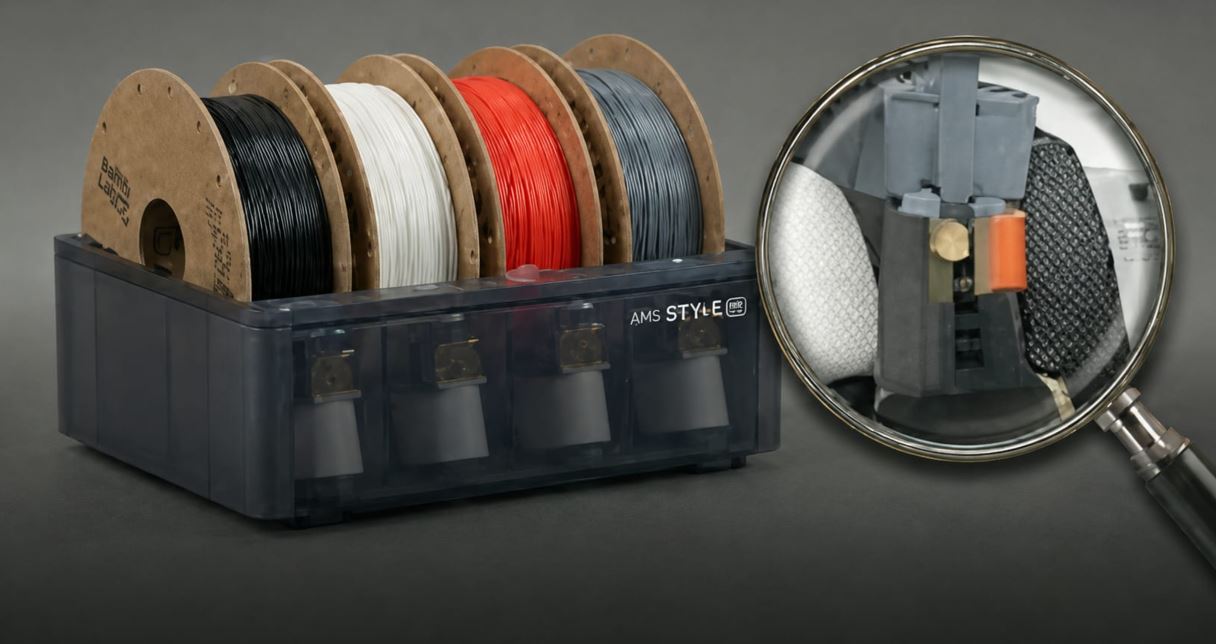
Multi-Material Printing (MMU/AMS)
How to properly set up and use a multi-color printing system.
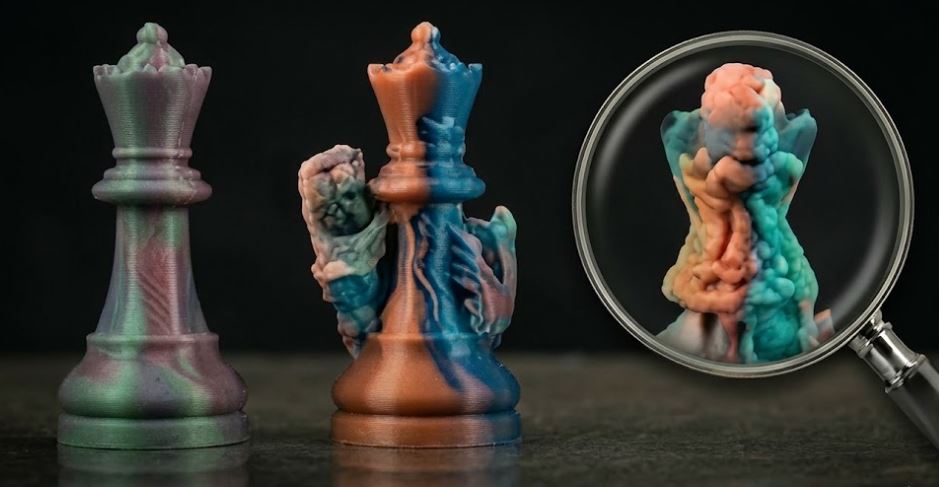
Multi-Color Printing with Single Nozzle
Techniques for color prints without a multi-material system.
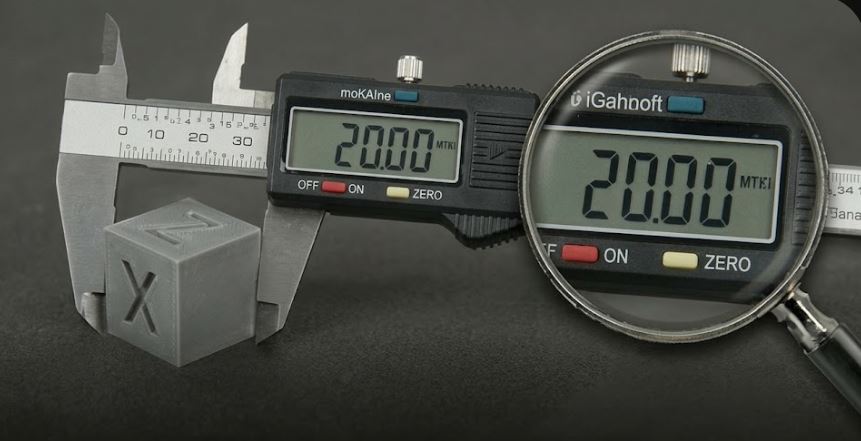
Precise XY Calibration – Dimensional Accuracy
Dimensional accuracy is critical for functional parts and assemblies: 📏 How to measure deviation: 1.
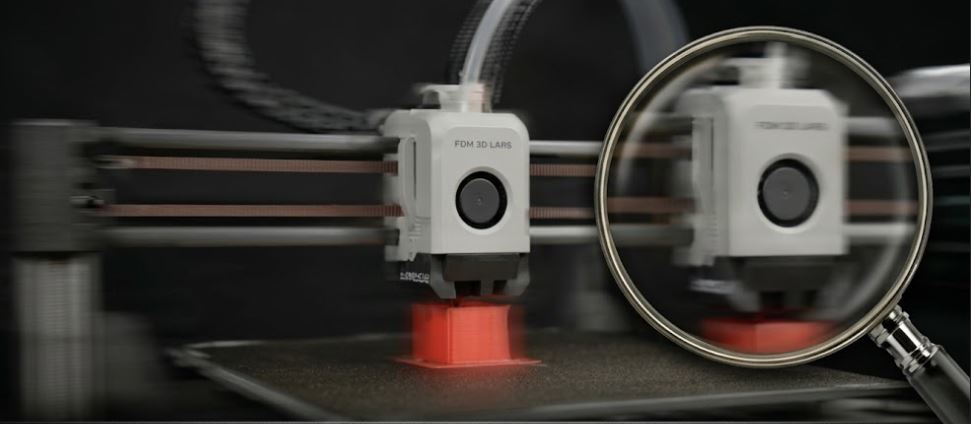
Printing at 300+ mm/s
How to achieve extreme speeds without losing quality.
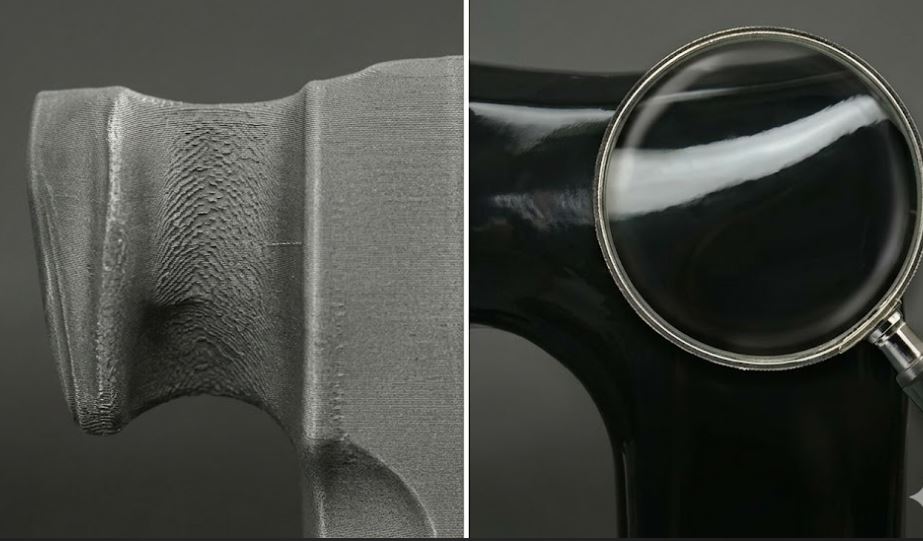
Post-Processing – Surface Finishing
Sanding, acetone vapor, filling. How to achieve perfect surfaces.
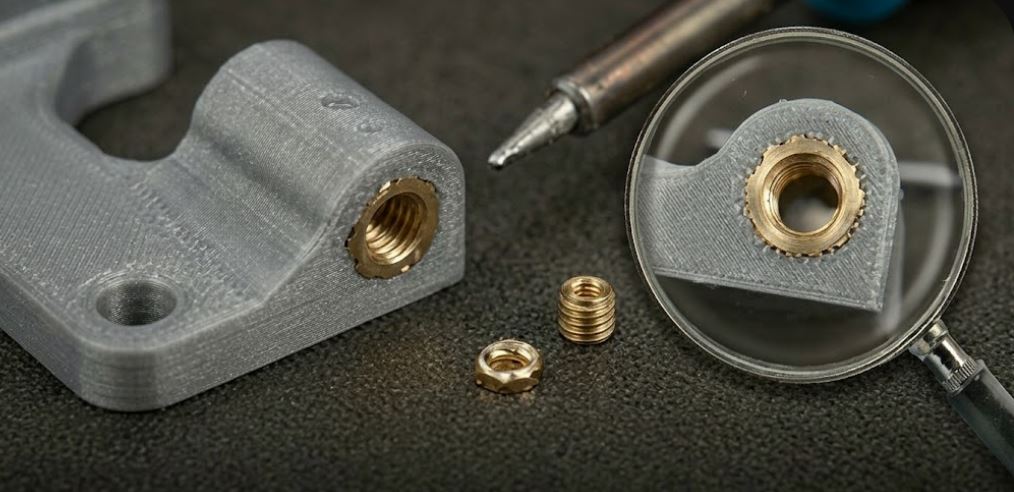
Inserting Nuts and Inserts
Heat-set inserts for solid joints – professional solution for functional parts.
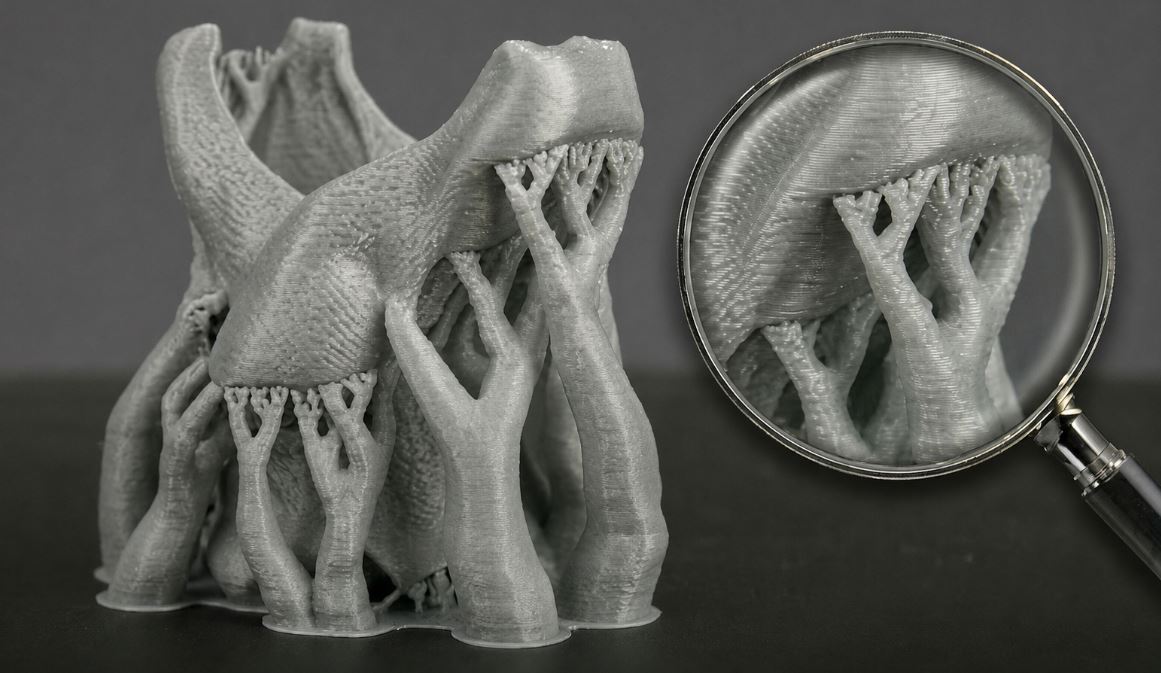
Supports and Overhangs - Advanced Techniques
Optimize supports for easy removal and perfect surface.
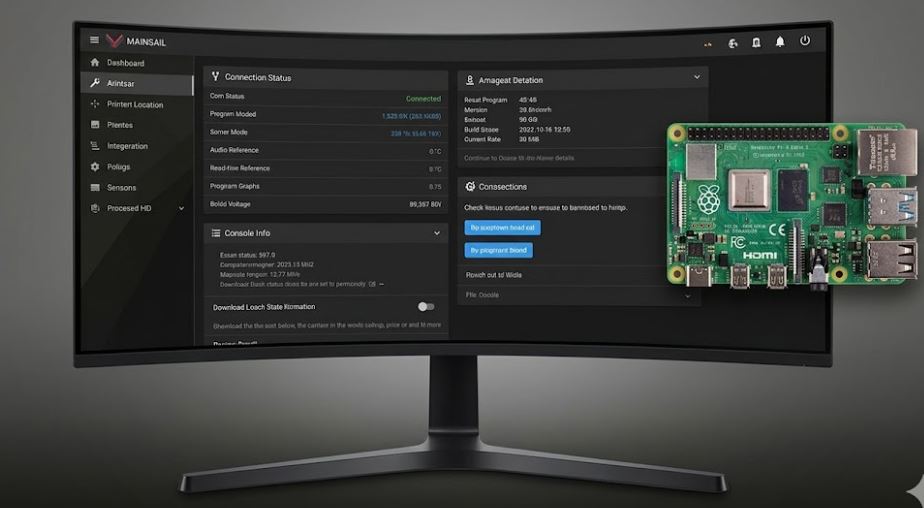
Klipper Firmware – Why Switch
Klipper provides significantly higher speed and precision than standard Marlin.
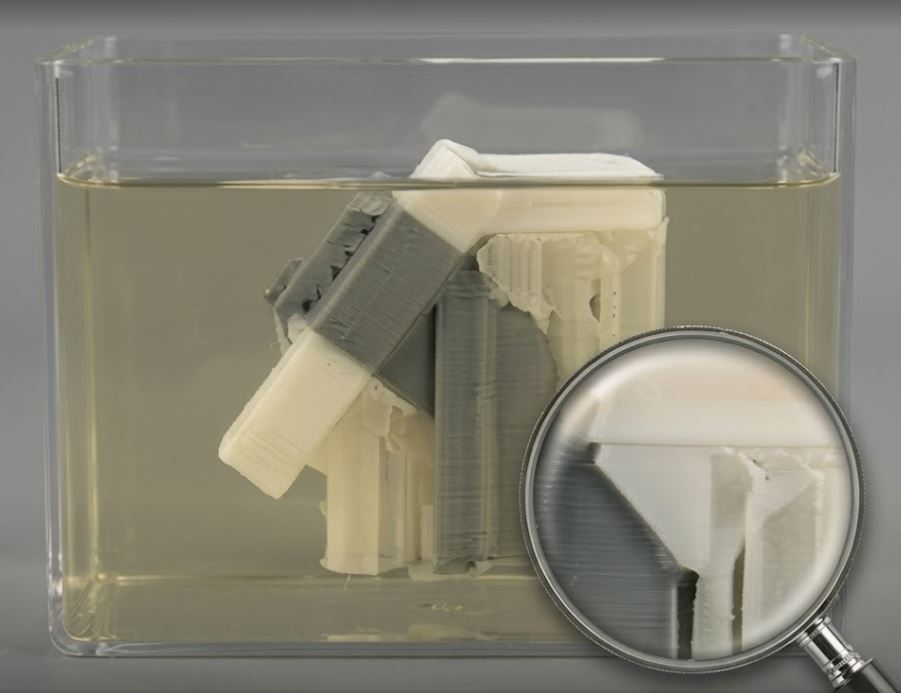
PVA and HIPS - Support and Soluble Materials
Print supports that easily remove without model damage.
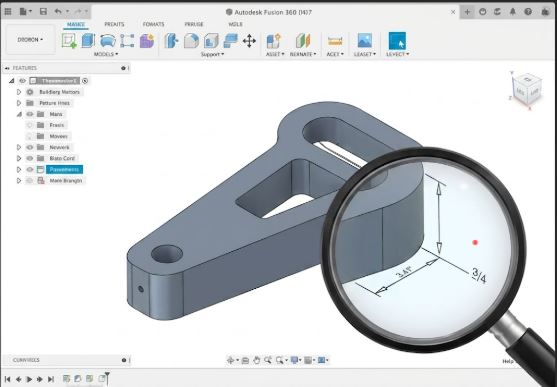
CAD Basics – Design Your Own Parts
Free tools to create your own models, even without experience.
How to Fix a Model Before Printing
A faulty STL file will cause print failure. Learn to fix it.
Printing Replacement Parts – Practical Tips
How to replace broken parts at home, car, or electronics.
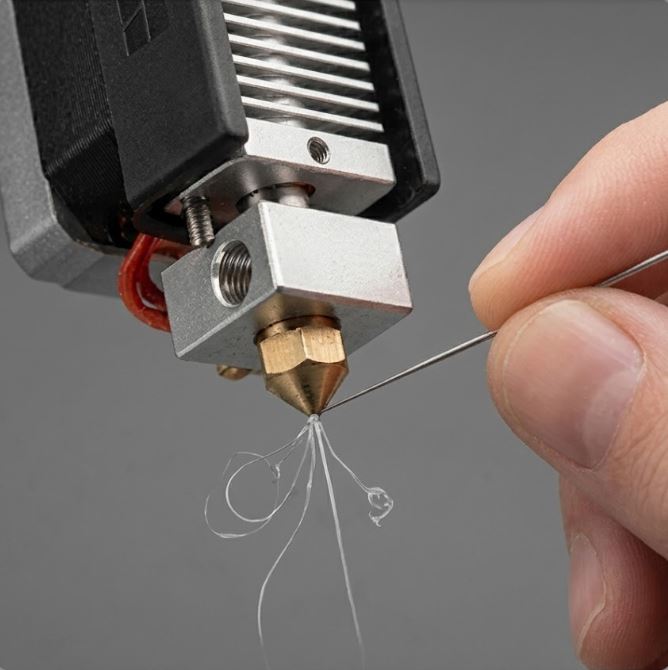
Cleaning a Clogged Nozzle
Clogged nozzle? Step-by-step to clean without replacement.
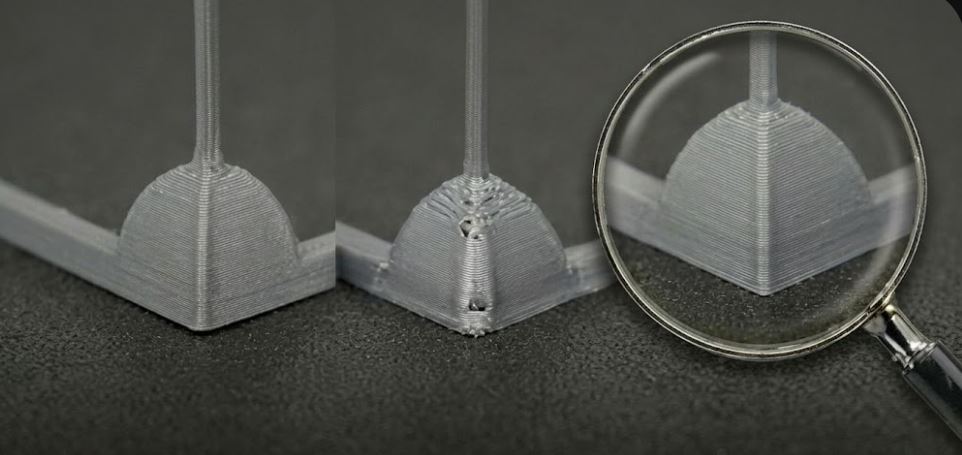
Pressure Advance / Linear Advance
Eliminate corner defects and improve extrusion consistency at high speeds.
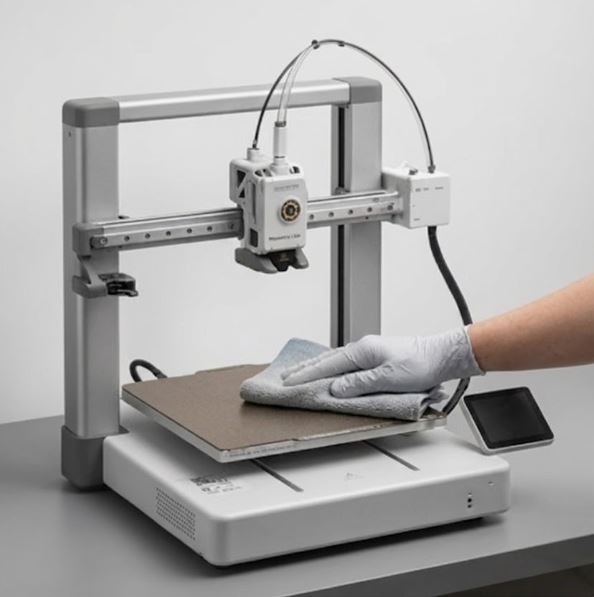
Regular Printer Maintenance
Keep your printer in perfect condition with this maintenance schedule.
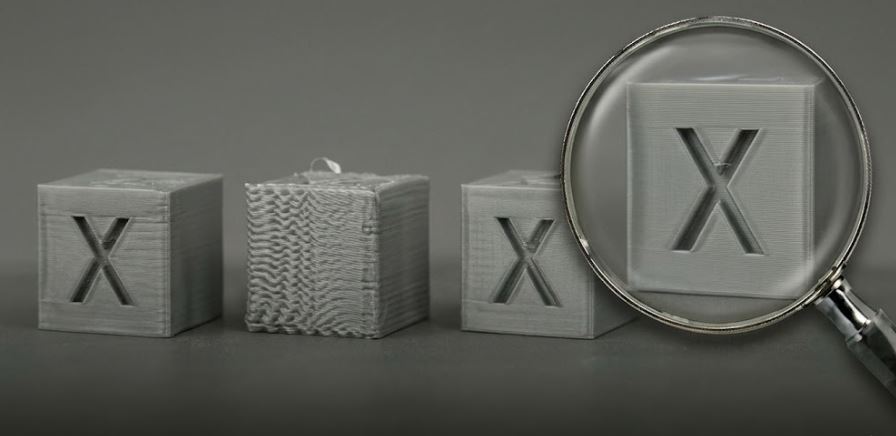
Input Shaping – Printing Without Resonance
Eliminate ghosting and ringing artifacts using resonance compensation.
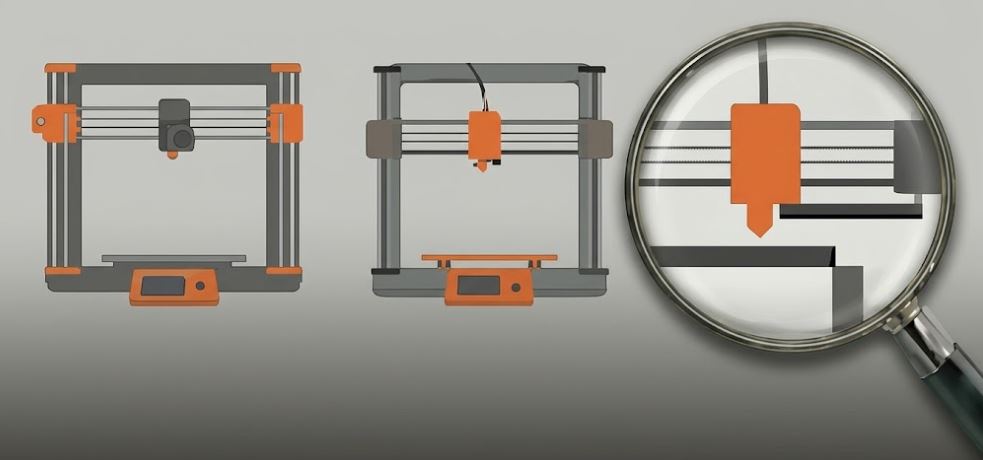
CoreXY vs. Bed Slinger – Which Kinematics to Choose
Two basic 3D printer architectures – their advantages, disadvantages, and applications.
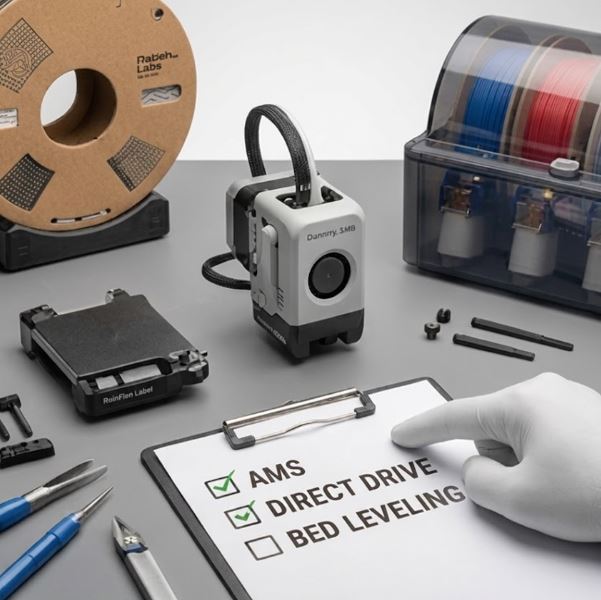
Printer Upgrades – Where to Start
Which upgrades truly improve printing and in what order to do them.
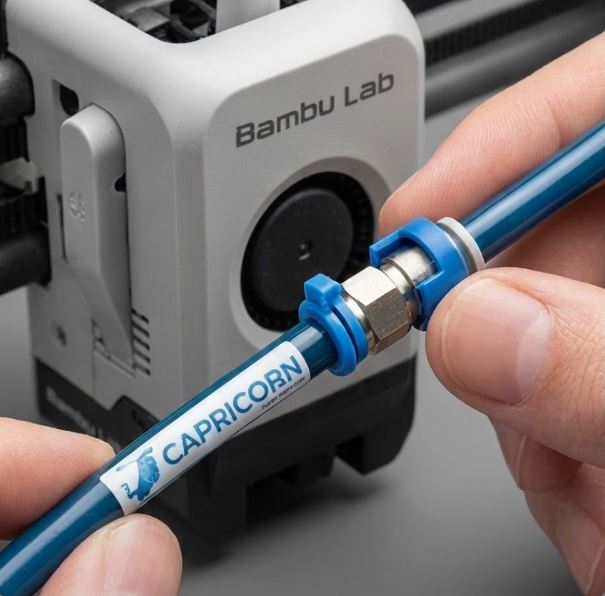
Replacing and Upgrading Bowden Tubing
When and why to replace PTFE tubing and how to choose the right one.
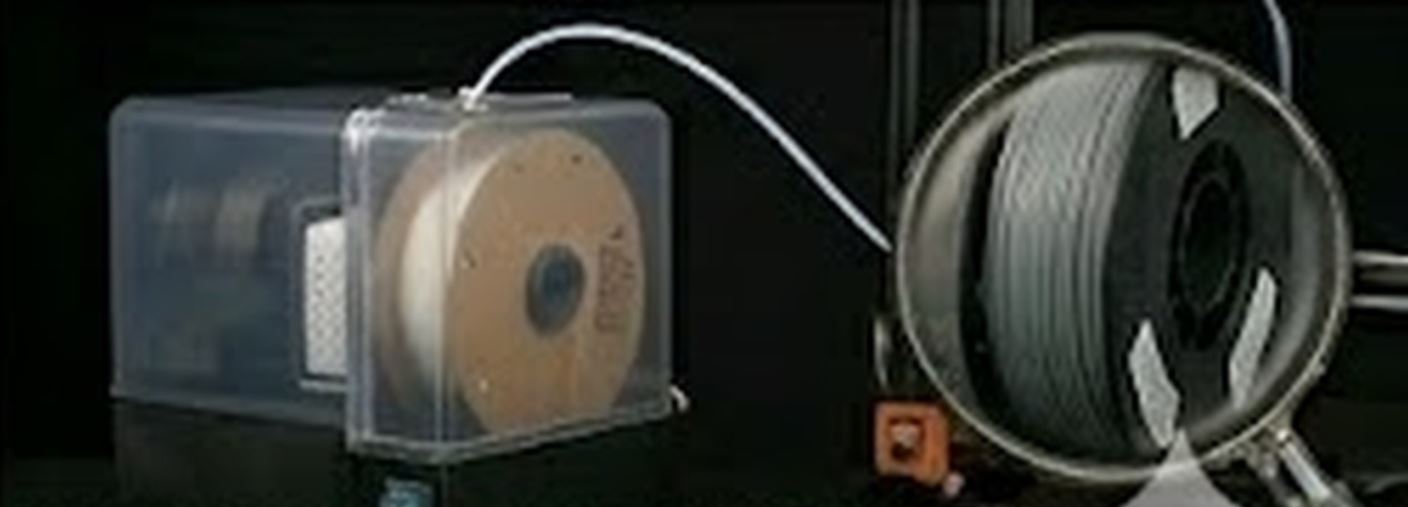
Dry Box and Active Filament Drying During Print
Print directly from a dryer and eliminate moisture problems once and for all.
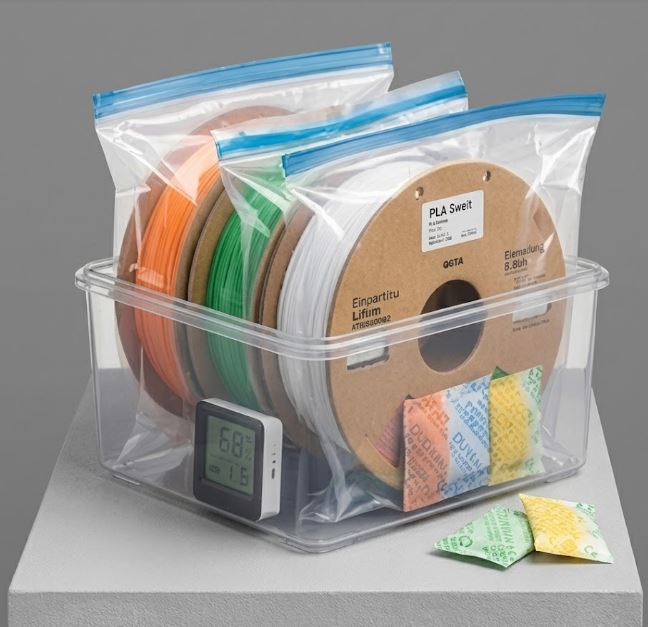
Filament Storage
Filament absorbuje vlhkost ze vzduchu, což vede k bublinám, stringuingu a špatné kvalitě: 📦 Jak správně skladovat: • Vzduchotěsné boxy (Ikea Samla, Really Useful Box) se silikagelovými sáčky • Vakuové sáčky pro dlouhodobé skladování • Pořiďte si sušičku filamentu (Sunlu S2, eSun eBOX) • Nikdy nevybalujte filament dřív, než ho budete používat 📊 Ideální podmínky: • Relativní vlhkost: pod 15 % • Teplota: 15–25 °C • Bez přímého slunečního světla 🌡 Citlivost materiálů na vlhkost: • PVA, Nylon: Extrémně citlivé – sušit vždy!
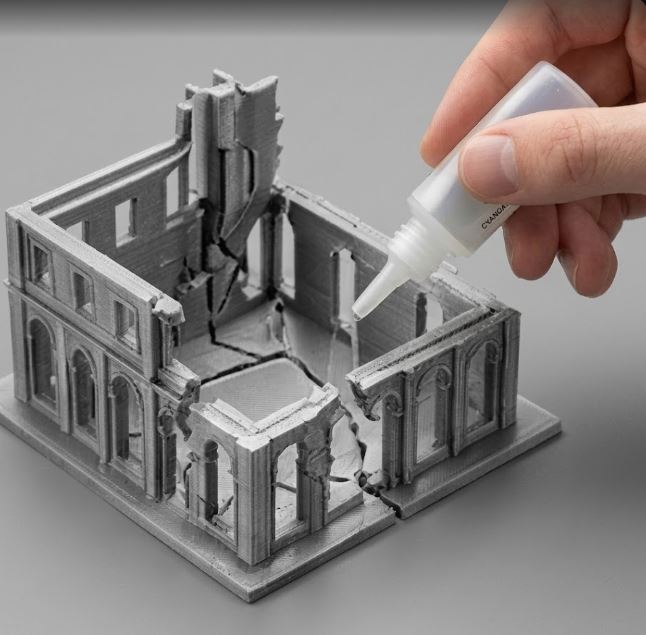
Repairing and Gluing Printed Parts
How to join, repair, or fill layers on printed models.
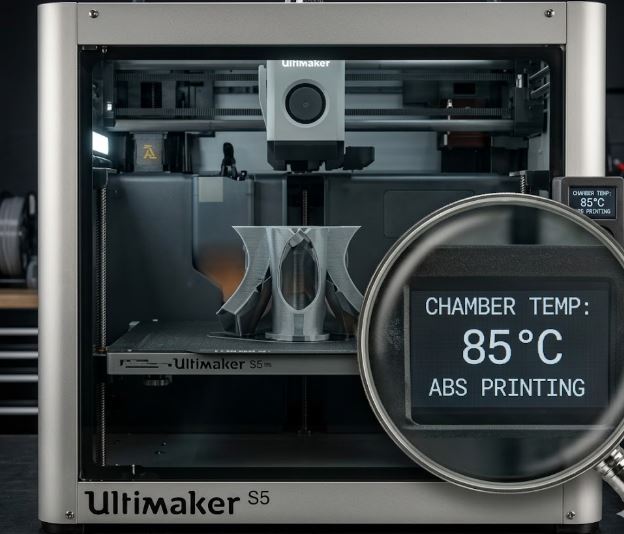
ABS and ASA – Printing with Heated Chamber
For outdoor and heat-stressed parts. But needs enclosed chamber.
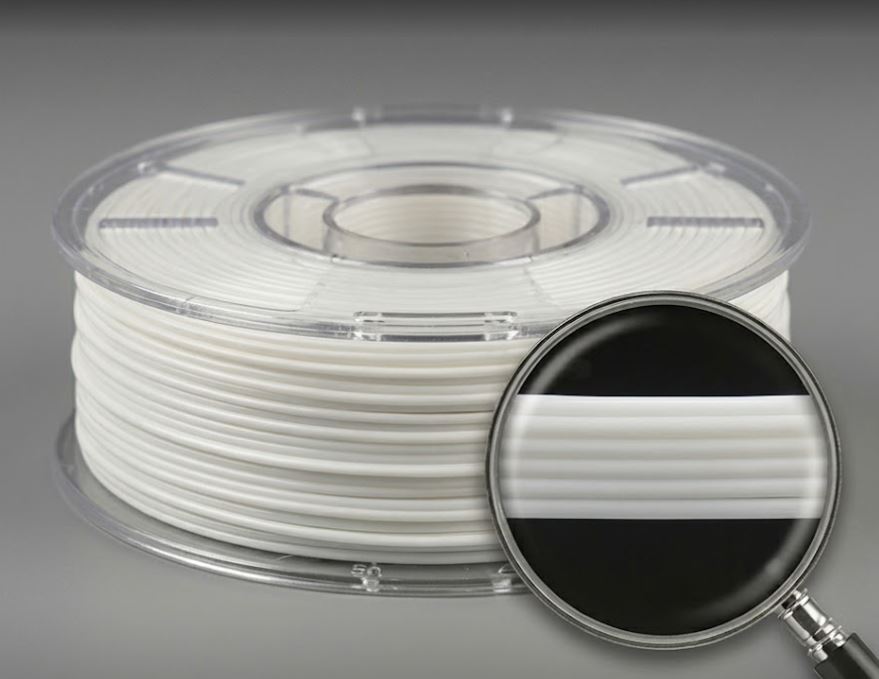
PLA – Everything You Need to Know
Most popular 3D printing material – when to use it and when not.
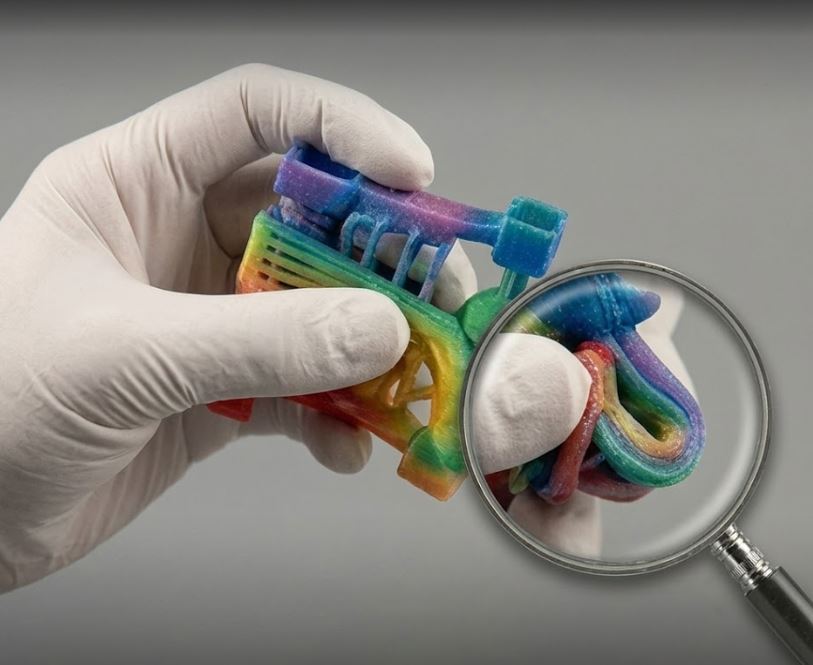
TPU and Flexible Materials
Rubber parts, cases and seals. How to print flexible materials.
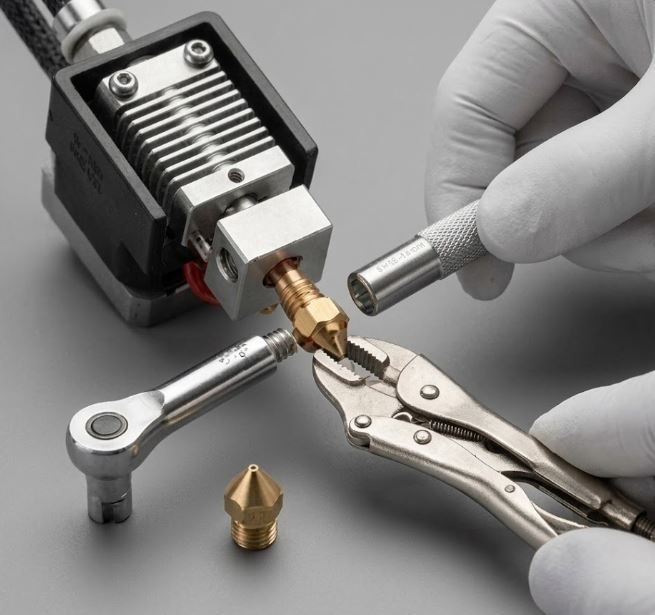
Nozzle Replacement – Step by Step
Learn to safely replace nozzle while hot and avoid damage.
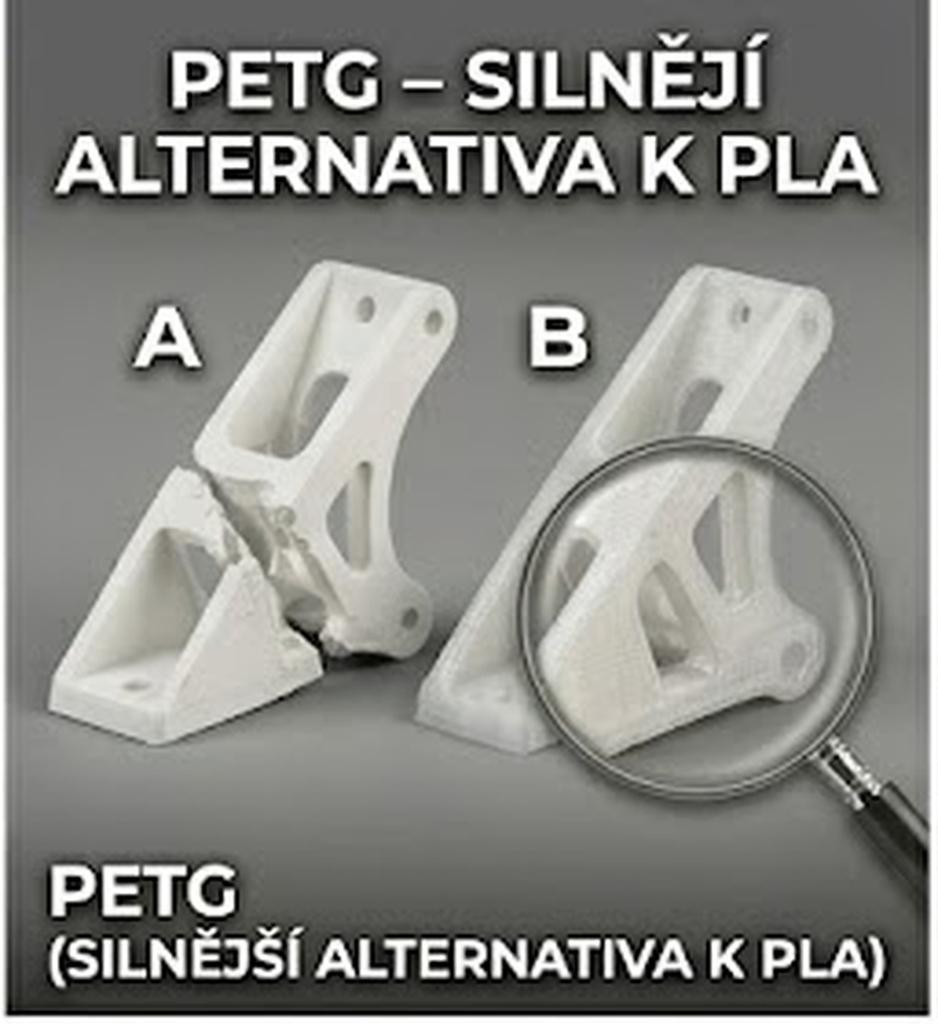
PETG – Stronger Alternative to PLA
PETG (Polyethylene Terephthalate Glycol) is an excellent material for functional parts: ✅ Advantages: • Higher heat resistance than PLA (~80 °C) • Excellent chemical resistance • Good toughness and flexibility • Minimal shrinkage (no enclosure needed) • Food-safe grades available (without dyes and additives) ⚠️ Disadvantages: • More stringing than PLA • Sticks strongly to PEI – apply release agent • More moisture-sensitive than PLA • Worse bridging performance 🌡 Print settings: • Nozzle: 230–250 °C • Bed: 80–90 °C • Cooling: 50–70% (less than PLA) • Speed: 40–80 mm/s 💡 Tips: • Before printing on PEI, apply thin PVA layer (Magigoo, glue stick) • Increase retraction distance compared to PLA • Print slower for better surface • Great for: bottles, containers, functional parts in cars
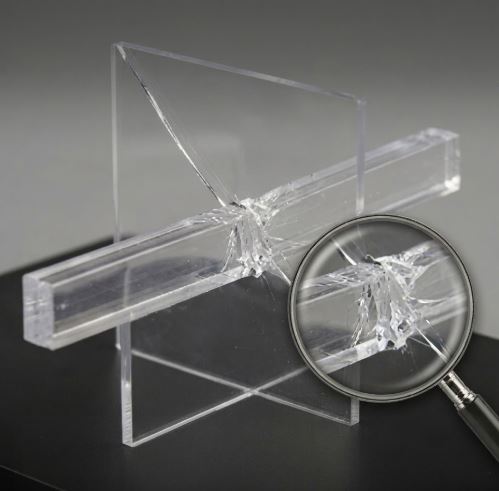
Polycarbonate (PC) - Strongest FDM Material
Extreme strength and heat resistance. Difficult to print, but results are worth it.
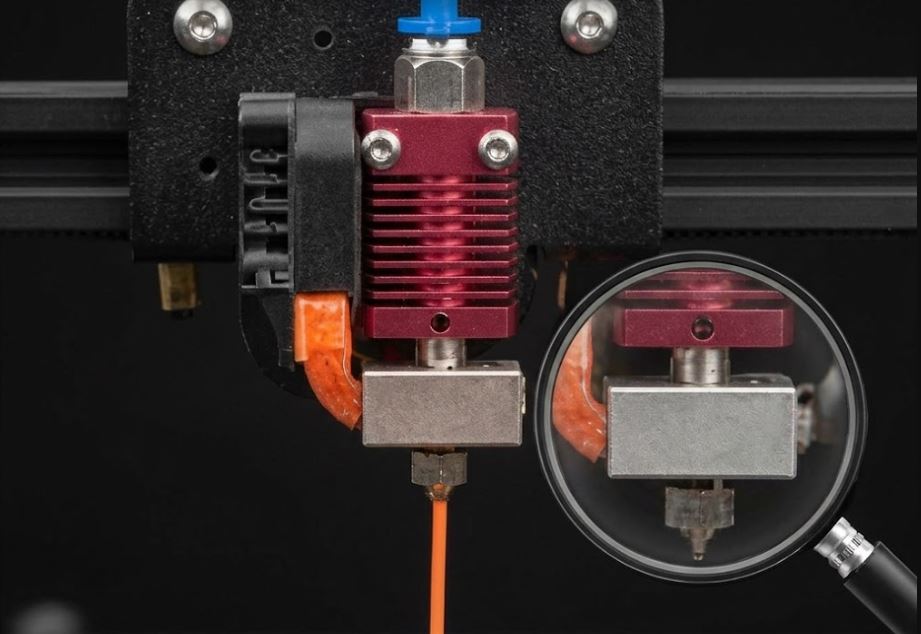
Print Temperatures – How to Set Them Correctly
Every filament prints differently. Learn to find the ideal temperature.

Where to Download Free 3D Models
Thousands of models within reach – overview of best sources.
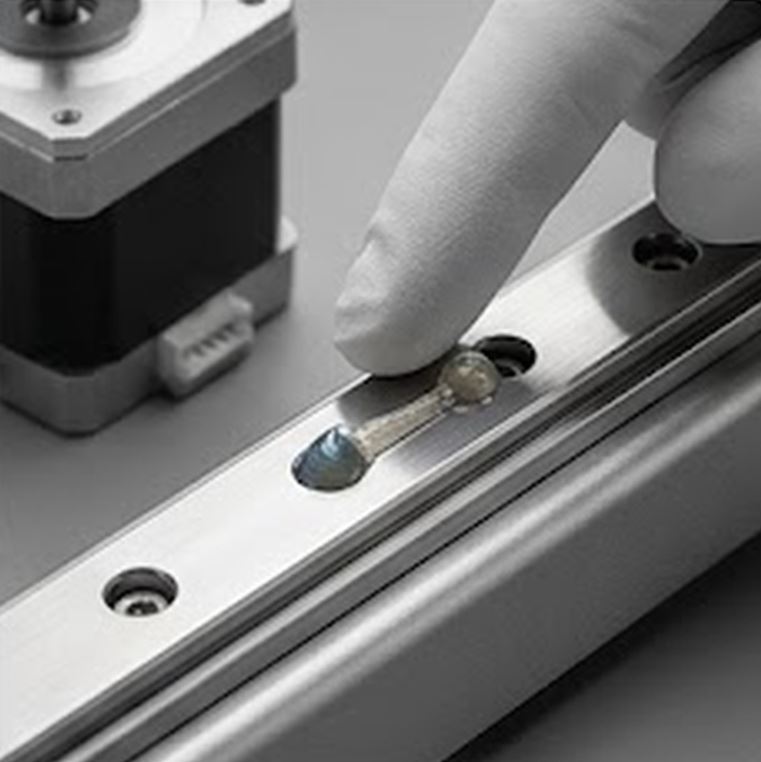
Lubricating Linear Rails
Proper lubrication extends rail lifespan and improves movement quality.
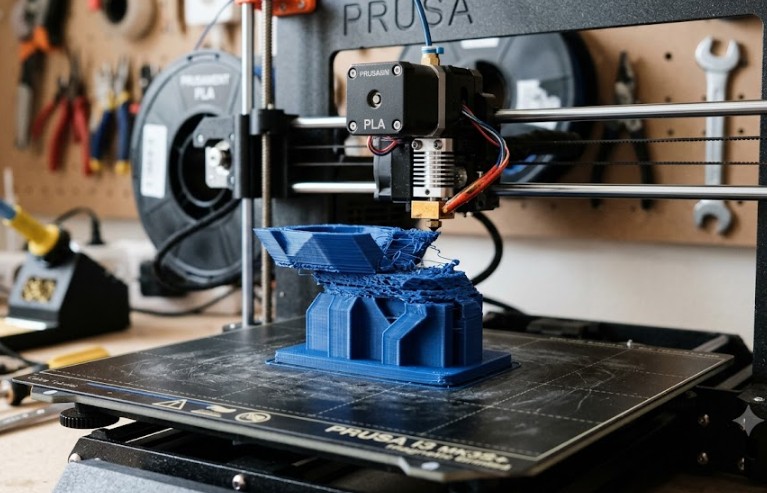
Layer Shifting – Layer Offset
Model is offset at a certain height? Find the cause and fix it.
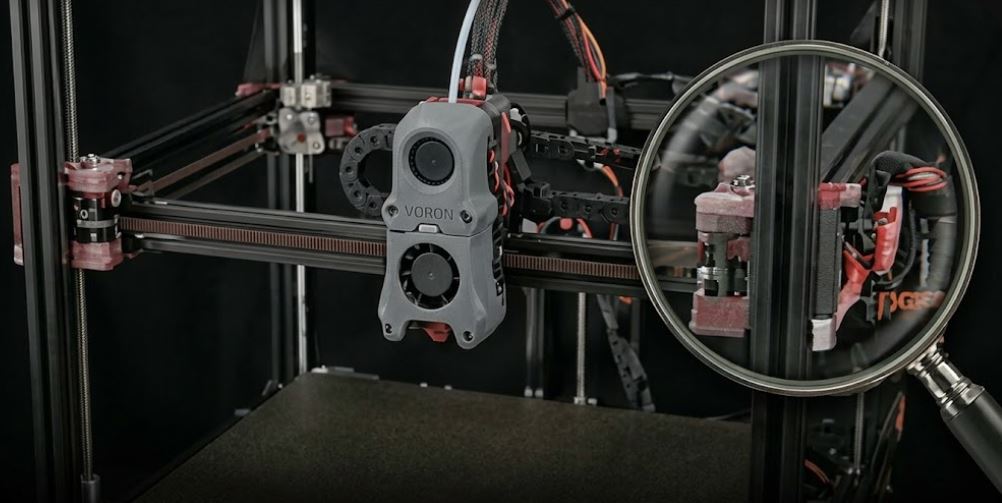
Voron – Building Your Own DIY Printer
Why build your own Voron and what it involves.