
← Back to tips
Beginner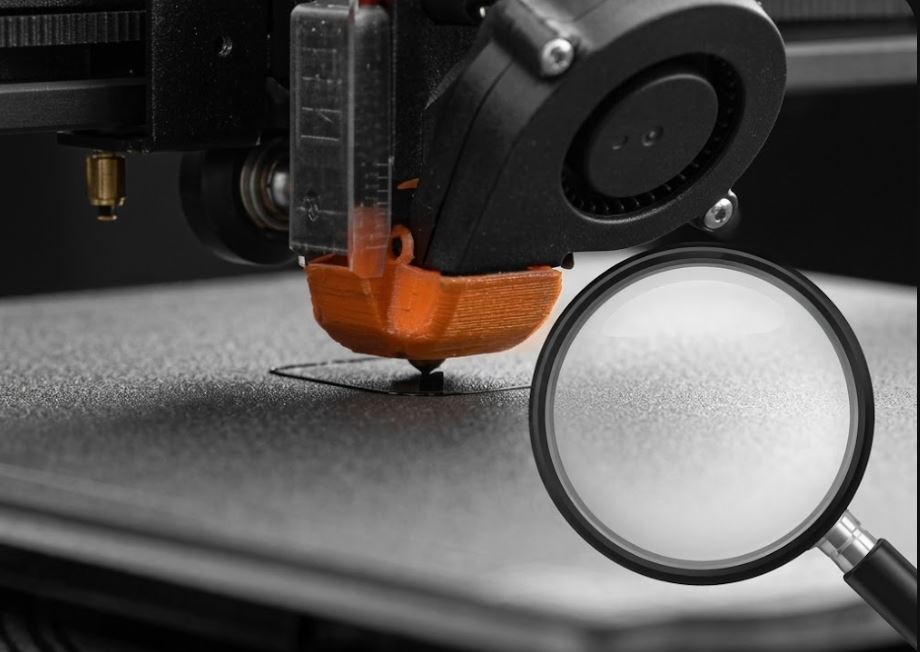
How to Start Your First Print Job Correctly
A step-by-step guide to your first successful print.
Before your first print, follow these steps:
1️⃣ Assemble and level the printer • Tighten all screws • Level the printer with a spirit level
2️⃣ Set the build plate (bed leveling) • Manual: paper method (0.1 mm gap) • Automatic: BLTouch, CR Touch, or sensors • Save values after leveling
3️⃣ Prepare the file • Download the model in STL or 3MF • Open a slicer (PrusaSlicer, Cura, Bambu Studio) • Set temperatures per filament manufacturer's guidelines
4️⃣ Start printing • Watch the first 5 minutes – the first layer must adhere • If it peels, stop and adjust nozzle height
5️⃣ After printing • Wait for the bed to cool before removing the model • Use a scraper; avoid brute force