
CAD Basics – Design Your Own Parts
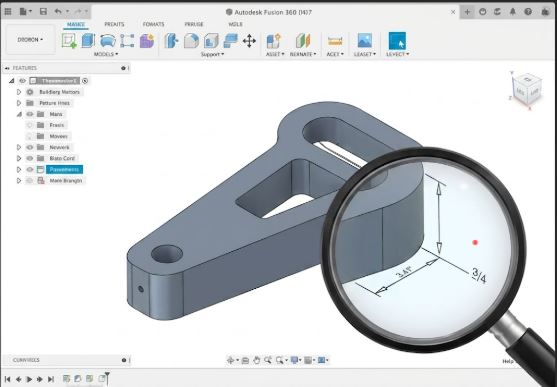
Free tools to create your own models, even without experience.
Designing your own models is not as hard as it seems:
🛠 Free CAD tools for beginners: • Tinkercad (tinkercad.com) – web-based, drag & drop, ideal for beginners • FreeCAD – open-source, parametric modeling, more complex • Fusion 360 – professional, free for personal and educational use • Onshape – cloud CAD, free for public projects • OpenSCAD – scripting-based CAD, great for parametric objects
📐 Basic concepts: • Sketch – 2D drawing of a shape • Extrude – pulling a sketch into 3D • Boolean operations – adding/subtracting solids • Parameter – variable value (easily change dimensions)
🎯 Tips for 3D printing in CAD: • Add tolerances to holes: +0.1–0.2 mm to diameter • Chamfer edges for better first layer • Design with print orientation in mind (where will supports go) • Minimum wall thickness: 1.2 mm (3× nozzle diameter 0.4 mm) • Minimum hole diameter without supports: 2 mm
🚀 Recommended progression: Tinkercad → basics → FreeCAD or Fusion 360 for complex projects