
← Back to tips
Beginner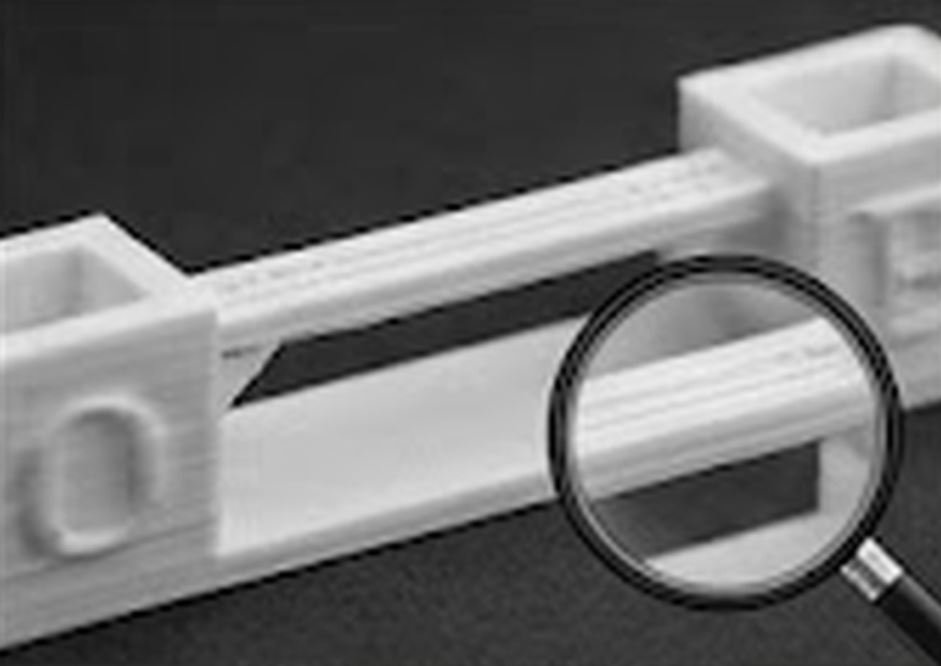
Bridging – Printing Across Gaps Without Supports
Configure your printer to print horizontal bridges without support structures.
Bridging = printing a horizontal surface across air without supports:
📐 How it works: • Filament cools and hardens quickly when extruding • Larger gap = more sag
⚙️ Optimal settings: • Bridge speed: 20–40 mm/s (slower = better) • Cooling: 100% fan • Temperature: 5–10 °C lower than standard • Retraction: enabled
📏 Maximum span without supports: • PLA: 60–80 mm (with good settings) • PETG: 40–60 mm • ABS: 30–50 mm
💡 Tips: • Test with a bridging calibration model • Break models into parts with shorter bridges • Orient the model to minimize bridge spans