
Multi-Material Printing (MMU/AMS)
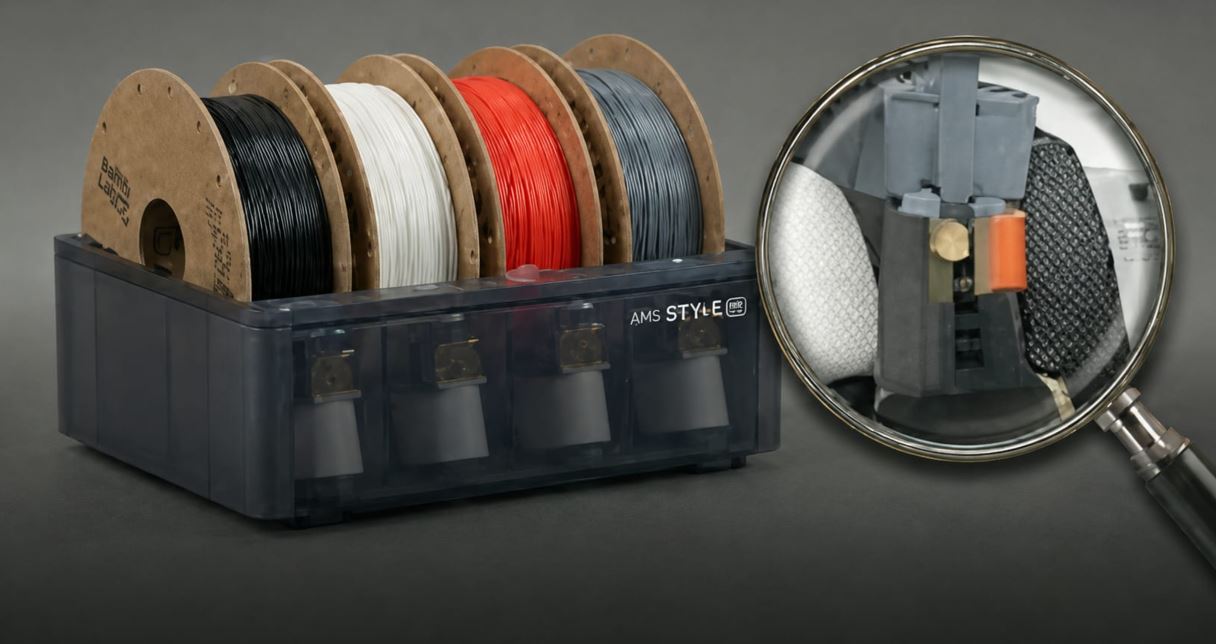
How to properly set up and use a multi-color printing system.
Multi-material systems enable printing with up to 5–8 materials/colors:
🔄 Popular systems: • Prusa MMU3 – reliable, open-source • Bambu AMS – fastest, closed system, 4 materials • Bambu AMS Lite – 4 materials, cheaper version • ERCF (Enraged Rabbit) – DIY, up to 9 materials • PTFE splitter – simplest, for 2 materials
⚙️ Key settings: • Purge tower: Captures switching waste material • Purge volume: Enough to clean nozzle from previous color • Tip shaping: Forms filament tip for smooth loading • Skinner/Skins: Thin layer of different color on surface
🎨 Tips: • Paint colors directly in PrusaSlicer / Bambu Studio • Assign different colors to different objects • Limit number of switches for faster printing • WipeToInfill: Clean into infill instead of purge tower