
Layer Shifting – Layer Offset
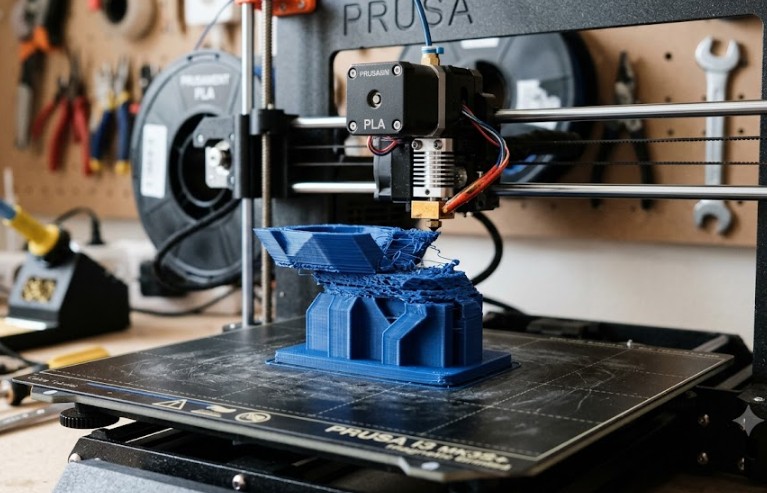
Model is offset at a certain height? Find the cause and fix it.
Layer shifting is a visually obvious defect – layers are offset on X or Y axis:
🔍 How it looks: • Sudden or gradual layer shift at one point • Rest of print continues from new position • Print appears "torn"
📋 Most common causes and solutions:
🔵 Belts (cause #1): • Loose belt = slipping → offset • Test: Grab belt and pull – should sound like guitar string • Solution: Tighten or replace belt • Ideal tension: 40–50 Hz pitch (or ~1 mm sag per 10 cm)
🔴 Hotend collision with model: • Warping or blob causes crash • Solution: Eliminate warping, enable Z-hop (0.2–0.4 mm) • Slow down print or lower temperature
🟡 Too high acceleration: • Motors can't keep pace → lost steps • Solution: Lower acceleration in slicer or firmware • Start with 1500–3000 mm/s², increase gradually
🟢 Electrical problems: • Motor driver overheating • Weak power supply (PSU) • Faulty driver or cable
⚙️ Diagnostics: • Does shifting always occur at same spot? → model problem (collision) • Random? → belts, mechanics, or electrics