
Print Surface – How to Achieve Smooth Results
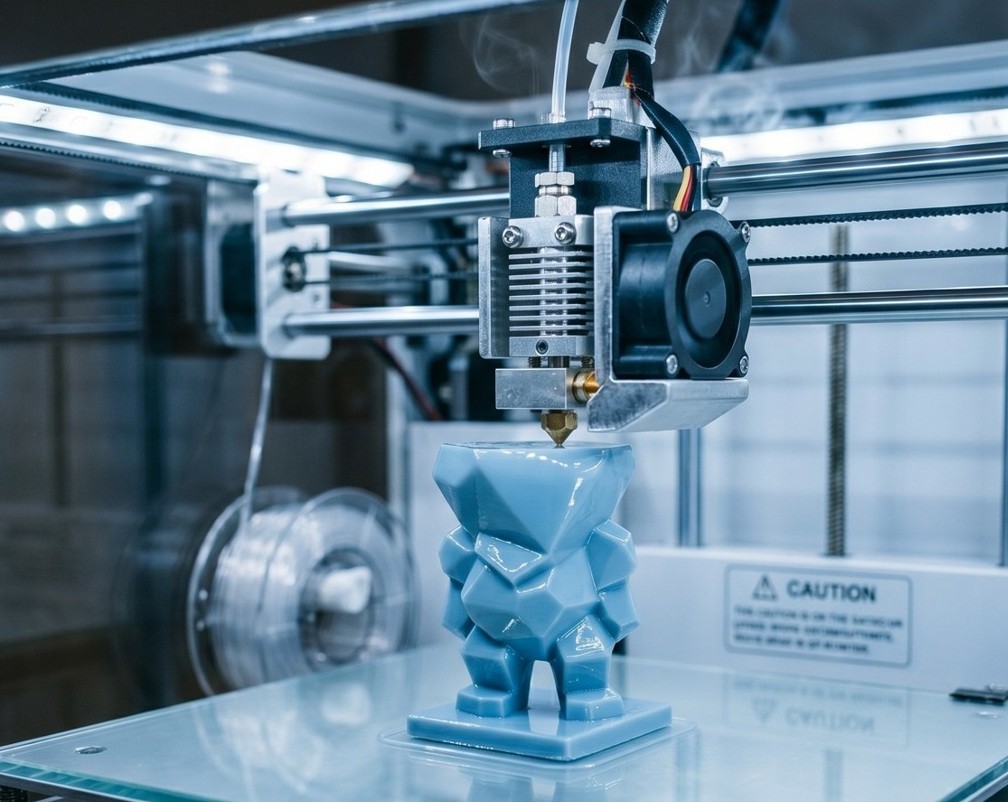
Top, bottom, and perimeters – key settings for perfect surface.
Print surface depends on correct settings of several key parameters:
🔝 Top and bottom surface: • Number of top/bottom layers: minimum 4–6 (depending on layer height) • Pattern: Monotonic or Ironing for smoothest result • Ironing: Empty nozzle pass over top surface – excellent result
⬛ Perimeters (Walls/Shells): • Minimum 3 perimeters for functional parts • Exterior perimeter first: better outer surface • Line width: 100–120% of nozzle diameter
🔄 Vase mode (spiral printing): • Prints model as single uninterrupted spiral • Smoothest possible surface • Only for hollow objects (vases, cups)
🎨 Other tips: • Print exterior perimeter first • Reduce perimeter speed to 50–70% of infill speed • Proper cooling is key for details • Seam position: Hide seam behind corner or randomize