
Fast 3D Printing: Tuning to the Max
How to print faster without sacrificing quality: key settings and hardware considerations for high-speed printing.
⏱ Estimated time: 15 min
Procedure
Maximum speed
Advanced users can afford triple-digit prints.
⚡ What Limits Print Speed
Four Physical Limits That Cannot Be Bypassed
Input Shaping + Pressure Advance = the basis of fast and high-quality printing
Print speed isn't determined solely by the slider in the slicer. Four physical factors determine the actual upper limit.
- Volumetric flow
- Tryska 0.02 in / PLA: ~0.59–0.79 in³/s | Volcano: ~1.18–1.57 in³/s
- Acceleration and Jerks
- Without IS: max. ~0.1 in/s^2 | With Input Shaping: 0.2-0.8 in/s^2
- Input Shaping (Resonance Compensation)
- Eliminates ghosting at high acceleration - necessary for speeds >5.9 in/s
- Model Cooling
- At high speed, each layer solidifies faster → more powerful fan
Why speed ≠ quality: When increasing speed without Input Shaping and Pressure Advance, under-extrusion, ghosting and corner accuracy deteriorate.
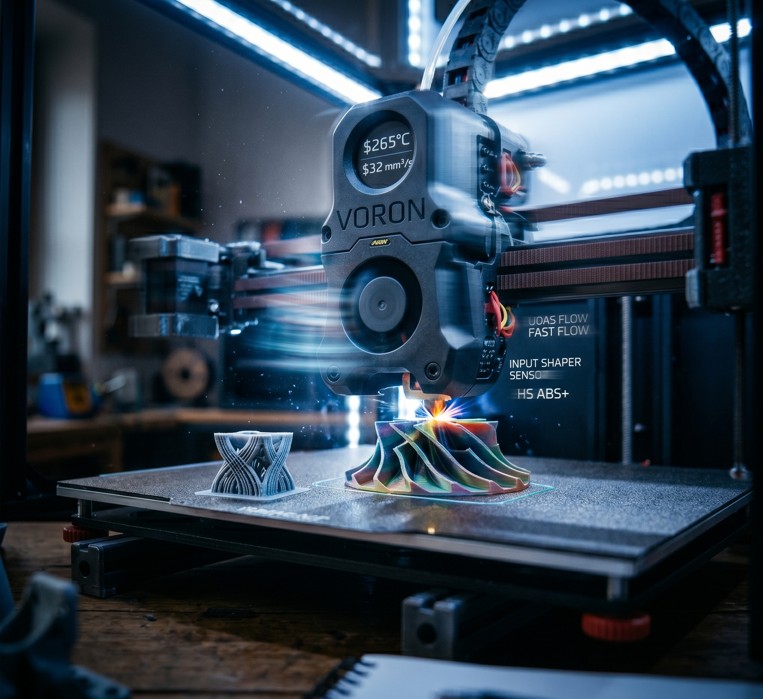
Printers for fast printing: Bambu P1S / X34 °F, Prusa Core One, QIDI Q1 Pro or Voron have Input Shaping and Pressure Advance integrated from the factory.
🔧 Slicer Settings for Fast Printing
Key Parameters for Maximum Speed
Recommended option
Slicer settings are key to maximizing speed without compromising quality. The default profiles are conservative.
- Layer Thickness
- 0.01 in instead of 0.01 in = 50% fewer layers
- Extrusion width
- 0.02-0.02in with 0.02 in nozzle = more material per pass
- Cooling
- 100% from the 2nd layer - necessary for layers >1.2 in/s
- Pressure Advance (PA)
- Calibrate for each filament - compensates for nozzle pressure
Biggest gain: bigger nozzle Changing to a 0.6 or 0.03 in nozzle is the biggest jump in print speed. Not suitable for detailed models.
More layer = less Zeit: A layer of 0.01 in (instead of 0.01 in) reduces the printing time by up to 33%. The resulting strength practically does not change.
Hardware limit: A common hotend with a 0.02 in nozzle will max out at ~9.8-11.8in/s with a 0.01 in layer. Above, under-extrusion is already occurring.