Color Printing: Multi-color and Gradient
Techniques for multi-color and gradient prints, from simple color swaps to automated multi-material systems.
⏱ Estimated time: 13 min
Procedure
Color Printing Techniques
From simple layers to advanced techniques.
🎨 Overview of Multicolor Printing Methods
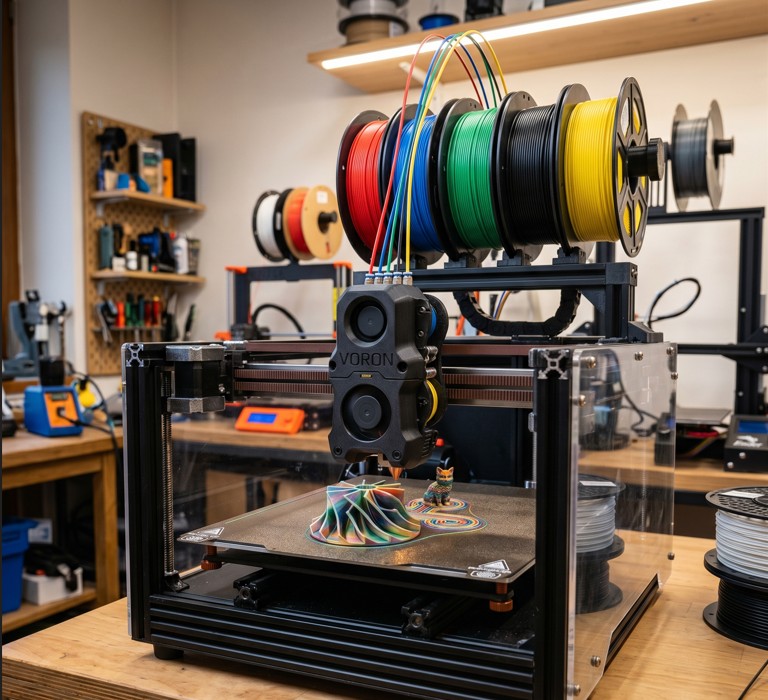
Four Ways to Print with More Colors
AMS / MMU = automatic | M600 swap = manual but free
Multicolor printing doesn't necessarily require expensive hardware. It depends on how many colors you want and how large the model you're printing is.
- AMS (Bambu Lab)
- Up to 4-16 colors automatically | Purging tower | The simplest workflow
- MMU3 (Prusa)
- Up to 5 colors automatically | Purging tower | Open-source
- Manual Swap (M600)
- Any printer | Pause in layer | Unlimited number of colors
- Color Painting (Slicer)
- Bambu Studio / PrusaSlicer | Painting colors on a 3D model directly
Advantages of AMS / MMU3: Fully automatic swap without user intervention. Ideal for complex models with many colors. Disadvantage: the purging tower wastes filament.
Manual swap (M600 / Color Change): Slicer inserts a pause in a specific layer. The printer waits, you replace the filament manually. Works on any printer but requires presence.
🖌️ Preparing the model for multicolor printing
How to Set Up a Model for Multicolor Printing
Color Painting in Bambu Studio = the fastest way to multicolor printing
Multicolor printing is prepared in a slicer or directly in CAD. The choice of method depends on the model and the available slicer.
Color Painting (Bambu Studio / OrcaSlicer): Paint colors directly onto the 3D model in the slicer using a brush. Slicer automatically assigns extruders to regions. The fastest method.
Multi-Part model (PrusaSlicer): Export the model from CAD as multiple bodies (one STL per color), or as 3MF with assigned extruders.
Layer Color Change (M600): In the slicer, add a Color Change on a specific layer. Simple for horizontal stripes and gradients.
3MF format: Save multicolor projects as .3MF (not .STL) - stores information about colors, extruders and print settings.